How to Secure Reliable Internet for Remote Work Anywhere
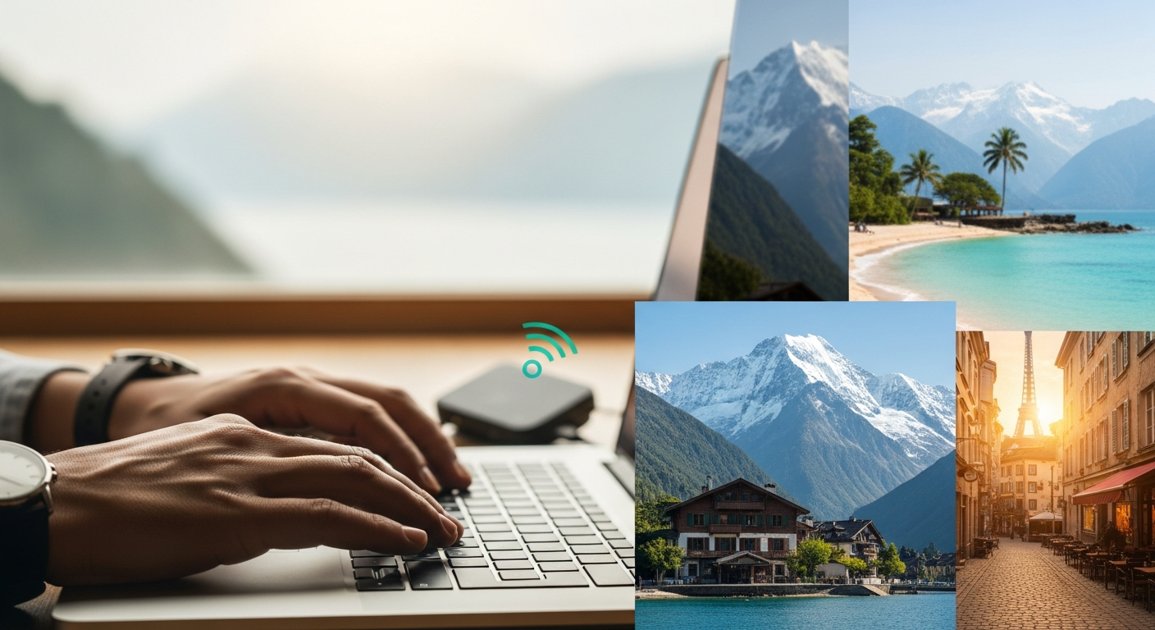
Your Global Office Awaits: Securing Reliable Internet for Remote Work Anywhere
Imagine this: your morning coffee overlooking a bustling market in Marrakech, or perhaps the serene mountains of Patagonia. The world is your office, and the possibilities are as boundless as your ambition. This is the dream of remote work and digital nomadism – a lifestyle that promises freedom, adventure, and unparalleled experiences. But amidst the allure of new horizons and exotic locales, one crucial question often looms large: "How will I stay connected?" Reliable internet isn't just a luxury for the modern remote worker; it's the invisible tether that connects you to your clients, your team, and your livelihood. As your expert travel guide and relocation advisor, I'm here to assure you that a stable connection isn't a pipe dream. It's a strategic certainty, and I'll show you exactly how to secure it, no matter where your journey takes you.
The Digital Nomad's Lifeline: Why Reliable Internet is Non-Negotiable
In the age of Zoom calls, cloud collaboration, and constant digital communication, a shaky internet connection isn't just an inconvenience; it's a barrier to productivity, professionalism, and peace of mind. Dropped calls, unsent emails, and missed deadlines can quickly turn your global adventure into a frustrating ordeal. From coordinating with international clients to simply unwinding with a streaming movie after a long day of exploring, a robust internet connection is the bedrock of a successful remote lifestyle. It ensures you remain responsive, effective, and free to truly embrace the flexibility that remote work offers.
Understanding Your Internet Options: A Global Toolkit
The key to reliable connectivity lies in understanding the diverse array of options available and how to leverage them strategically. Think of these as the essential tools in your digital nomad's arsenal.
Local SIM Cards & Mobile Hotspots
For most travelers and short-to-medium-term movers, a local SIM card is your first and often best bet. Nearly every country has multiple mobile network operators (MNOs) offering prepaid SIM cards with data packages that are significantly more affordable than international roaming plans.
- Pros: Cost-effective, wide coverage in populated areas, easy to set up, highly flexible.
- Cons: Coverage can be spotty in remote regions, data caps vary, requires an unlocked phone.
- Actionable Advice:
- Research Ahead: Before arrival, identify the major MNOs in your destination (e.g., Vodafone, Orange, MTN, Claro). Look for providers known for good data coverage in your specific area.
- Check Compatibility: Ensure your phone is unlocked and supports the frequency bands used by local networks.
- Purchase on Arrival: Buy a SIM at the airport, official store, or reputable kiosk. Avoid buying from unofficial vendors.
- Test Immediately: Insert the SIM, activate your data plan, and test the speed before leaving the purchase point.
- Consider a Second Device: If you need a dedicated hotspot for multiple devices or longer use, consider a portable Wi-Fi device (MiFi) that can house a local SIM.
Portable Wi-Fi Devices (MiFis/Travel Routers)
These dedicated devices act as your personal mobile hotspot, broadcasting a Wi-Fi signal from a cellular connection. They're excellent for connecting multiple devices (laptop, tablet, phone) simultaneously.
- Pros: Dedicated connectivity, often better battery life than phone tethering, can use local or international SIMs.
- Cons: Another device to carry and charge, initial purchase cost, data plans still apply.
- Actionable Advice:
- Invest in a Good MiFi: Choose a device that supports a wide range of global frequency bands.
- Local vs. International: Decide if you'll use local SIMs or opt for an international data plan provider (e.g., Airalo eSIMs for compatible devices, Skyroam Solis) – compare costs and data allowances.
- Battery Life: Look for devices with long battery life or carry a power bank.
Satellite Internet (Starlink & Others)
For those truly venturing off the beaten path, or establishing a long-term base in a rural area, satellite internet has become a game-changer.
- Pros: Unprecedented connectivity in remote areas where traditional internet infrastructure is non-existent.
- Cons: High initial hardware cost, ongoing monthly fees, requires a clear view of the sky, larger and less portable than other options (though Starlink Roam is improving).
- Actionable Advice:
- Assess Your Needs: Is your location truly off-grid, or will traditional options suffice?
- Research Portability: Starlink's "Roam" (formerly Residential with Portability) plan offers flexibility for movement, but the dish is still substantial.
- Budget Accordingly: Factor in hardware, shipping, and monthly subscription costs.
- Check Availability: Satellite services are not available everywhere; confirm service in your desired region.
Co-working Spaces & Cafes with Wi-Fi
Sometimes, the best internet is a shared one. Co-working spaces and cafes are social hubs that often boast robust, dedicated internet connections.
- Pros: Fast and reliable internet, dedicated work environment, networking opportunities, often have backup power.
- Cons: Cost (co-working), potential for distractions (cafes), security risks on public Wi-Fi.
- Actionable Advice:
- Locate Before Arriving: Use apps like Workfrom, Coworker.com, or a simple Google search to find options.
- Test the Waters: Before committing to a long-term co-working membership, try a day pass. For cafes, always test the Wi-Fi speed and reliability first.
- Use a VPN: Always connect to public Wi-Fi using a Virtual Private Network (VPN) to encrypt your data and protect your privacy.
- Consider Noise-Canceling Headphones: Essential for focus in bustling environments.
Hotel & Accommodation Wi-Fi
Most hotels, Airbnbs, and guesthouses offer Wi-Fi, but quality varies wildly.
- Pros: Convenience, often included in your stay.
- Cons: Highly variable speeds and reliability, security risks, can be oversaturated during peak times.
- Actionable Advice:
- Read Reviews Carefully: Pay close attention to recent reviews specifically mentioning Wi-Fi quality. Don't assume "free Wi-Fi" means good Wi-Fi.
- Ask Directly: If possible, message your host or call the hotel to inquire about internet speed and reliability, especially if it's critical for your work.
- Backup Plan: Never rely solely on accommodation Wi-Fi. Always have a backup plan (like a local SIM or MiFi).
- VPN is a Must: Treat hotel Wi-Fi as public Wi-Fi and use a VPN.
Tethering from Your Smartphone
Your smartphone can become a personal hotspot, sharing its cellular data connection with your laptop or other devices.
- Pros: Quick, easy, no extra device needed (if you have a good data plan).
- Cons: Drains phone battery quickly, can be slower than dedicated hotspots, relies entirely on your phone's data plan.
- Actionable Advice:
- Robust Data Plan: Ensure your local SIM or home country plan includes a generous amount of data and allows tethering.
- Power Bank: Always carry a fully charged power bank to keep your phone alive while tethering.
- Monitor Data Usage: Keep an eye on your data consumption, as video calls and large downloads can eat through your allowance quickly.
Strategies for Internet Redundancy: The Backup Plan
The true secret to reliable internet anywhere isn't finding one perfect solution, but having multiple layers of connectivity. Think of it as building a safety net.
The Two-Provider Rule
Always aim for at least two independent internet sources. If one fails, you seamlessly switch to the other. For example:
- Primary: Local SIM in your phone (used for tethering or MiFi).
- Backup: Co-working space membership, hotel Wi-Fi, or a second SIM from a different network provider.
For long-term movers, this might mean a fiber connection at your home (if available) with a mobile hotspot as a backup.
Offline Work & Cloud Syncing
Prepare for the inevitable. Internet outages happen. Develop a workflow that allows you to work offline when necessary.
- Download all critical documents, presentations, and files before you need them.
- Use cloud services (Google Drive, Dropbox, OneDrive) that offer offline access and automatically sync when you reconnect.
- Schedule non-internet-dependent tasks (writing, editing, planning) for potential offline periods.
Essential Tech & Tools
- VPN Service: Non-negotiable for security on public and hotel Wi-Fi.
- Power Banks/Portable Chargers: Keep all your devices powered, especially when relying on phone tethering or MiFis.
- Unlocked Smartphone: Absolutely essential for using local SIM cards.
- Travel Surge Protector/Universal Adapter: Protect your electronics and ensure you can plug in anywhere.
- External Monitor (Optional): For long-term setups, a portable monitor can boost productivity even with minimal desk space.
Your Internet Readiness Checklist for Any Destination
Before you pack your bags, run through this comprehensive checklist to ensure you're digitally prepared for your next adventure.
- ☐ **Research Local ISPs & Coverage:** Identify the top 2-3 mobile network operators in your destination and check their coverage maps for your specific area.
- ☐ **Check Phone Compatibility:** Confirm your smartphone is unlocked and supports the necessary frequency bands for your destination's mobile networks.
- ☐ **Plan Primary & Backup Internet Sources:** Decide on your main connection method (e.g., local SIM) and a reliable backup (e.g., portable MiFi, co-working space membership, or even a second local SIM from a different provider).
- ☐ **Invest in a VPN Service:** Subscribe to a reputable VPN before you travel and learn how to use it.
- ☐ **Pack Power Solutions:** Bring a high-capacity power bank, your phone/laptop chargers, and a universal travel adapter.
- ☐ **Download Offline Resources:** Maps, essential documents, travel guides, entertainment – anything you might need without internet access.
- ☐ **Identify Co-working Spaces/Cafes:** Know where you can go for a reliable connection and a focused work environment if your primary options fail.
- ☐ **Budget for Internet Costs:** Factor in the cost of local SIMs, data plans, MiFi purchases, or co-working memberships.
- ☐ **Set Up Cloud Syncing:** Ensure your work files are accessible offline and set to sync automatically.
- ☐ **Test Your Setup:** Before leaving home, simulate your planned internet setup. If using a global eSIM, test it. If you have an old unlocked phone, try setting it up as a hotspot.
Final Thoughts
The allure of remote work from any corner of the globe is no longer a distant dream, but a tangible reality for millions. With careful planning and the right tools, reliable internet connectivity is entirely within your reach, transforming the entire planet into your potential office. By understanding your options, building in redundancy, and preparing diligently, you'll not only avoid frustrating connection woes but also unlock the true freedom and flexibility that a location-independent lifestyle promises. So, go ahead and choose your next destination with confidence. Your global office awaits, and you're now fully equipped to keep the digital lines open, wherever your adventure leads.